The Cost of an Empty Desktop in a Disconnected Lab
Downloading a base image from the Endless OS official site is only the first step in provisioning a functional learning environment. A lab that arrives without Wikipedia, Kolibri, and development tools already on disk wastes the first teaching period. Booting an unprovisioned Endless OS environment in a disconnected lab typically strands users at the network configuration screen for 3 to 5 minutes before timing out. A roughly 45-minute class period evaporates quickly when about 15 minutes are spent staring at a network timeout screen. Teachers facing a room full of stalled machines quickly lose confidence in the deployment.
Relying on on-site personnel to trigger local content syncs resulted in abandoned deployments. School staff rarely have the time or technical background to troubleshoot failed downloads over intermittent cellular connections. When a deployment fails on day one, recovering user trust becomes nearly impossible. The engineering team mandated that any configuration step requiring DNS resolution must be executed on the imaging station before deployment. Provisioning belongs entirely on the factory bench. Every required asset must reside on the local disk before the hardware ships. Treat the deployment process as a manufacturing pipeline where the final product is a fully self-sufficient workstation.
Block-Level Cloning for Reliable USB Media
Initial attempts to provision drives used file-level synchronization to apply updates over a base install. The sheer volume of ostree hardlink resolution stalling on cheap USB NAND controllers caused these transfers to fail. File-level operations generate massive metadata overhead, overwhelming the limited cache on budget flash drives and causing the write speeds to plummet to zero. Budget NAND controllers often lack the necessary wear-leveling algorithms and cache sizes to handle thousands of tiny file writes efficiently. A complete shift to verified block-level cloning ensures bit-for-bit identical layouts and bypasses the filesystem overhead entirely.
Block-level cloning of a fully provisioned 64GB Endless OS image to standard USB 3.0 media takes between 14 and 19 minutes per drive. This predictable timeframe allows technicians to pipeline the imaging process across multiple USB hubs, maximizing throughput on the bench. Block-level cloning treats the entire disk as a single continuous stream of data, bypassing the controller's file-management limitations.
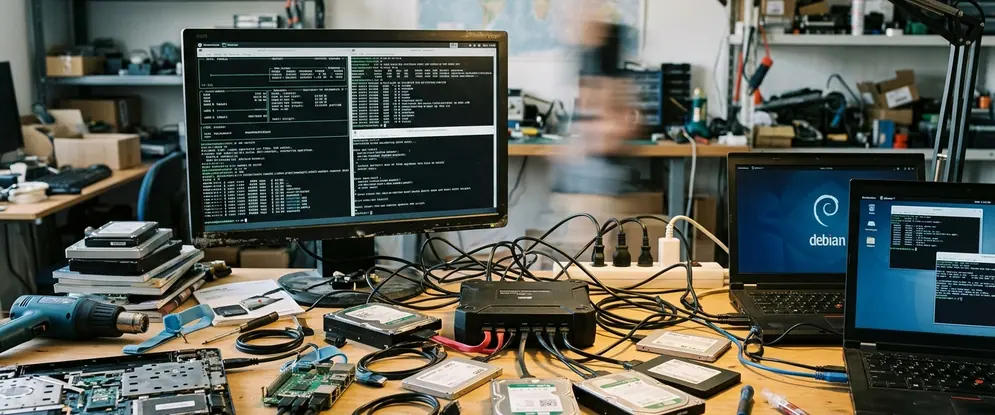
Keep a checksum and a smoke-boot on one stick from each batch. Running a SHA256 hash against the written drive ensures the block copy completed without silent corruption. A bad write multiplying across a classroom cart creates hours of unnecessary recovery work—time that local staff simply do not have. Plan the target disk layout around ostree and the extra space offline Wikipedia, Kolibri channels, and Flatpak runtimes will consume. A block-copy method keeps the partition boundaries and bootloader configurations intact.
Sizing and Pinning Offline Content Caches
Install the offline Wikipedia reader and its ZIM files onto the image while the imaging station still has bandwidth. The full English Wikipedia ZIM file with images requires 95GB to 98GB of disk space. A typical localized Kolibri channel consumes an additional 12GB to 15GB. The ZIM format provides highly compressed, indexed access to millions of articles, requiring substantial contiguous disk space. Housing the complete media-rich Wikipedia ZIM archive alongside the GNOME SDK Flatpak runtimes restricts the target hardware to storage drives larger than 120GB. Attempting to compress these assets further degrades read performance on low-power processors.
The selection of Flatpak runtimes was finalized by executing a disconnected dry-run of the target development tools on the bench. Any application that threw a missing dependency error during this offline test had its required runtime manually pinned to the system-wide Flatpak installation directory. Pinning these dependencies requires careful attention to the Flatpak manifest. Missing a single runtime library means the development environment will fail to compile basic projects, frustrating students who are just learning to code. Pre-install the development Flatpaks and their runtimes into the system or per-user Flatpak store so compilers, editors, and SDKs resolve offline.
Preventing First-Run Download Failures
Seed Kolibri with the channels the school asked for and let the import finish on the bench. Teachers waiting on a first-run download that never starts will abandon the platform entirely.
Bypassing the GNOME Initial Setup Wizard
Drive locale, keyboard, timezone, and the student or shared classroom account from a scripted first-boot so nobody clicks through a wizard on site. To prevent the GNOME initial setup wizard from launching, administrators mapped out the exact dconf keys and AccountsService files modified during a manual setup. The AccountsService daemon manages user profiles and system-wide settings. Injecting AccountsService state files into the master image overlay tricks the OS into registering the first-boot sequence as already completed. Because Endless OS uses a read-only root filesystem, these state files must be carefully layered into the writable configuration directory during the imaging phase.
Bypassing the interactive first-run wizard eliminates 4 to 6 minutes of manual configuration per machine. By pre-populating its state files, the system boots directly to the login screen or desktop, completely unaware that it is running for the very first time. This automated approach prevents the creation of mismatched local user UIDs across a 30-device cart. Consistent UIDs simplify local file sharing and permission management if the lab ever acquires a local network switch.
Disable or pre-answer Endless first-run prompts that assume a live connection, including app-center sign-in and online content teasers. Lock a known hostname pattern, user password policy, and power settings that survive a cart being unplugged overnight. Aggressive sleep modes often fail to wake properly on older hardware, so configuring the power daemon to keep the display active during school hours prevents unnecessary hard reboots.
Deploying the Monolithic Golden Image
The decision to ship a monolithic golden image was reached after evaluating the failure rates of post-install scripts. Post-install scripts often attempt to verify GPG keys or refresh repository metadata. They consistently failed in zero-connectivity environments. This forced the adoption of a fully baked, pre-assembled disk image. Dynamic configuration scripts introduce unacceptable risk in offline environments. The deployment therefore removes all runtime variables.
Restoring a corrupted machine from a local golden image via a USB 3.0 recovery drive takes 11 to 16 minutes. Rebuilding offline content caches manually takes hours. A monolithic image acts as a known-good state. When a student accidentally corrupts their local environment, the recovery process is deterministic and fast. Providing the school with a dedicated recovery USB drive empowers local staff to fix software issues without waiting for remote support.
Clone one golden image that already contains Wikipedia, Kolibri, and the Flatpak toolchain. Re-image from that master when a machine dies instead of trying to reconstruct content over a link that is absent. If a classroom still needs the internet to become useful, the image is incomplete. Keep the hardware on the bench until every offline dependency resolves locally. Ship the fully provisioned system and eliminate on-site configuration entirely.